




* This is not a physical delivery product.
* When using the NAMANE QR, only the NAMANE Card can be issued.
* The validity period of the NAMANE QR is one year. Please issue the NAMANE Card within one year.
* NAMANE Card vouchers cannot be exchanged for Festival Cards.
* eSIM vouchers are valid until 3 months after purchase.
* Smartphones manufactured in China, Hong Kong, and Macau do not support eSIM functionality.
✅ Please check device compatibility before purchasing.
⚠️ Devices not supported may be unable to install or use eSIM.
🌐 eSIM (3/5/7 Days)
📶SKT/KT 5G・4G(LTE) Networks – Stable connection with the best network that selected automatically.
✔️ Unlimited data plans with 5GB daily data.
📅Valid for 3/5/7 days (24 hours × 3/5/7) from the time of activation.
📱Data Only (No Calls)
⚡Get instant activation and data when you need it.
🔒 No Personal Information required
💡FAQ
-
Can I use Hotspot/Tethering?There may be some restrictions depending on the local carrier, but it is generally possible.
-
When does my data plan begin?Your eSIM plan activates immediately upon connecting your eSIM to any supported network. For example, if you bought a 1-day plan and you activate your plan at 09:00 AM, it remains active for a full 24 hours, concluding at 09:00 AM the following day.
-
When unlimited data plan will reset?For unlimited data plan, the reset will follow the time right after you activated in that day. For example, if you activate at 09:00 AM the reset time will do at 09:00 on the next day.
eSIM Supported Devices (As of March 2025)
-
iPhone:
eSIM required for devices released after September 2018 (from iPhone XS)
Settings → Cellular → Add eSIM or Add Cellular Plan button must be available to use eSIM. -
Galaxy:
eSIM required for devices released after March 2020 (from S20, Z Flip, Z Fold)
Settings → Connections → SIM Manager → If “Add eSIM” button is available, you can use eSIM. -
Xiaomi:
eSIM required for devices released after October 2022 (from 12T Pro, Redmi Note 14 Pro)
Settings → SIM cards & Mobile networks → eSIM toggle button must be available. -
Google:
eSIM supported from Pixel 2 onward -
Huawei:
eSIM supported on models like P40, Mate 30
Get Started with Your eSIM
📱 For iOS (Apple):
1️⃣ Go to Settings > Cellular > Add Cellular Plan
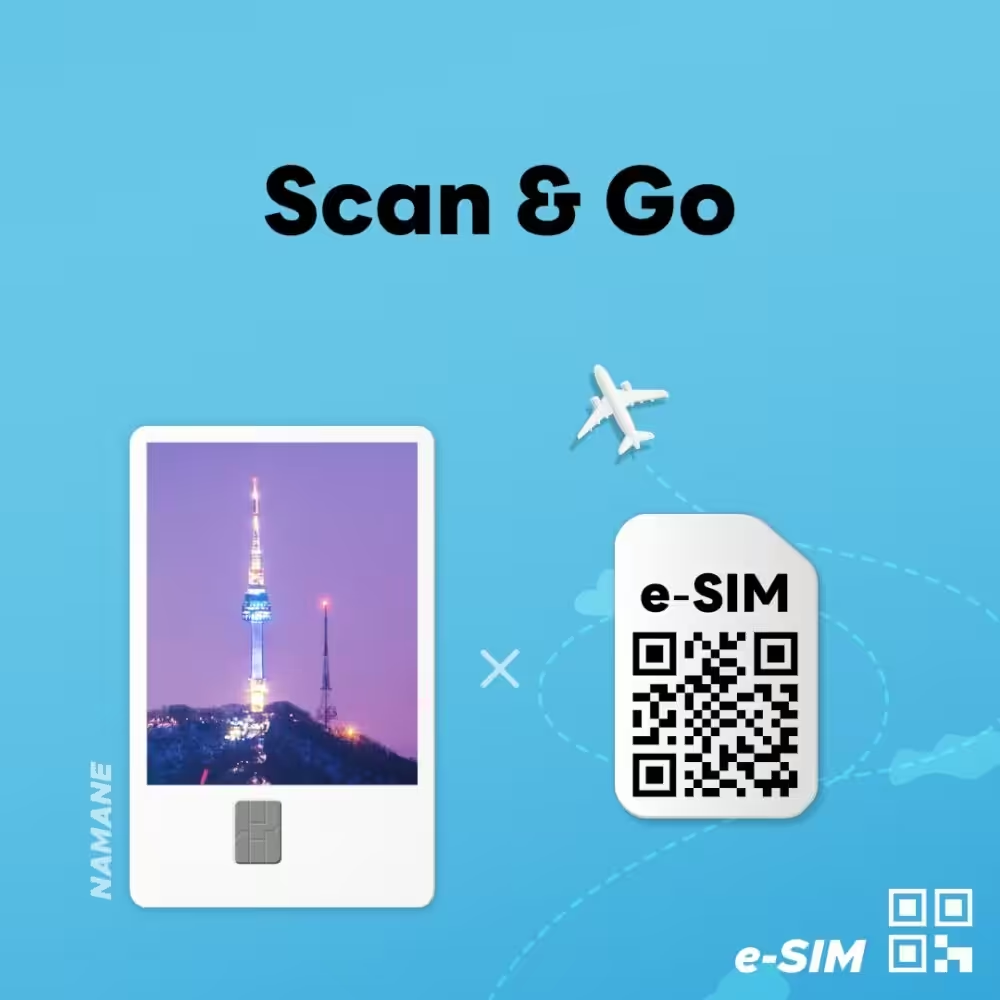
2️⃣ Scan the QR code to install your eSIM
🔗 Installation Manual
🤖 For Android:
1️⃣ Save the QR code to your photo album
2️⃣ Load the QR code in your eSIM settings
🔗 Installation Manual
💳 NAMANE Card
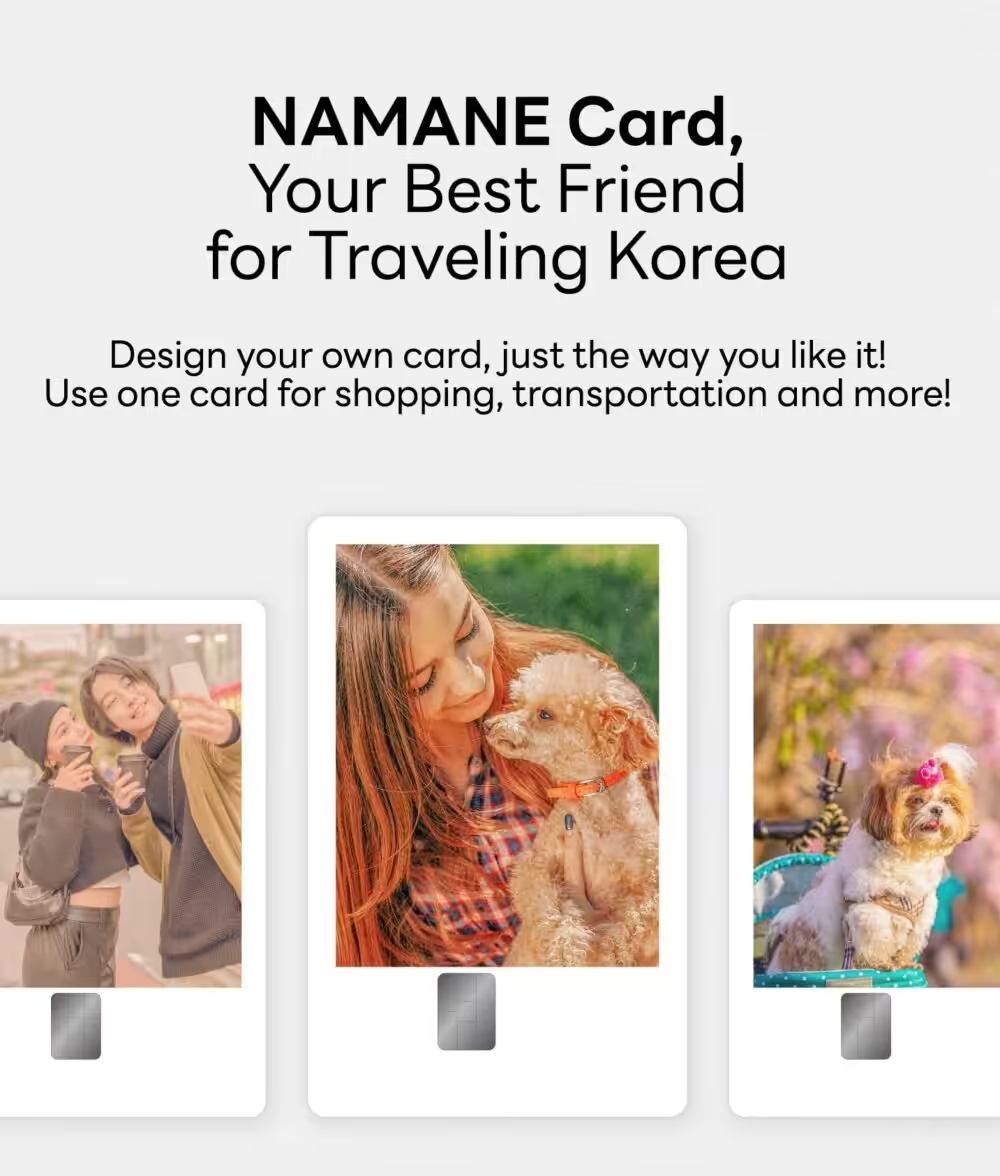
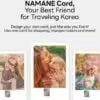
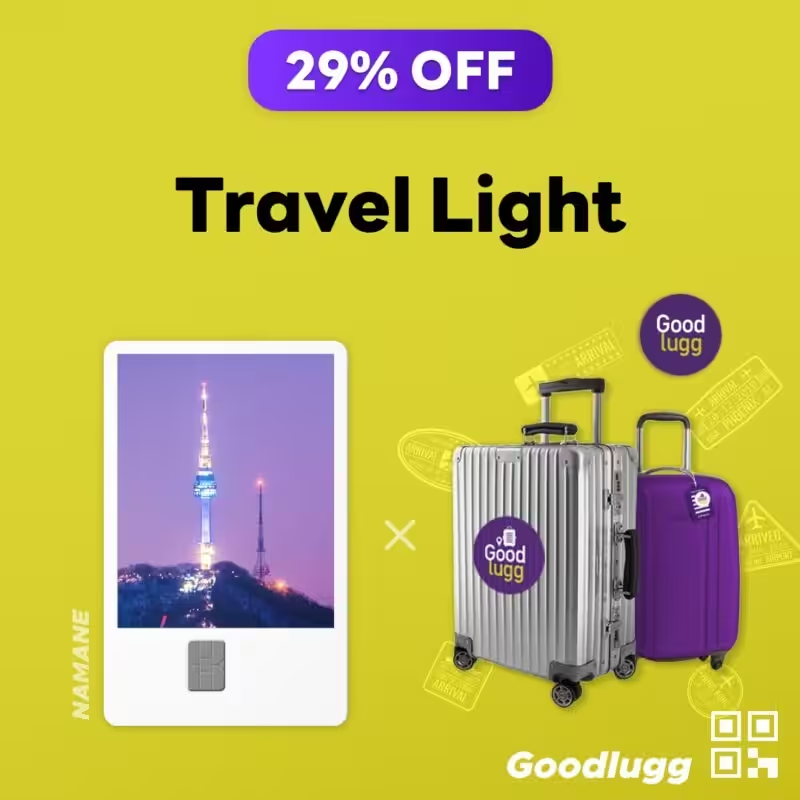
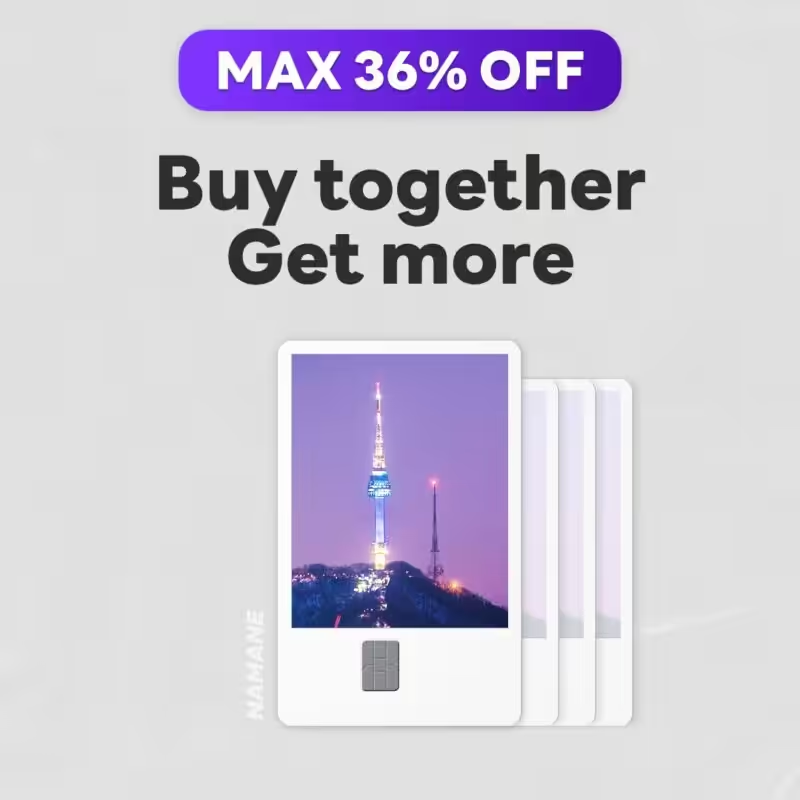
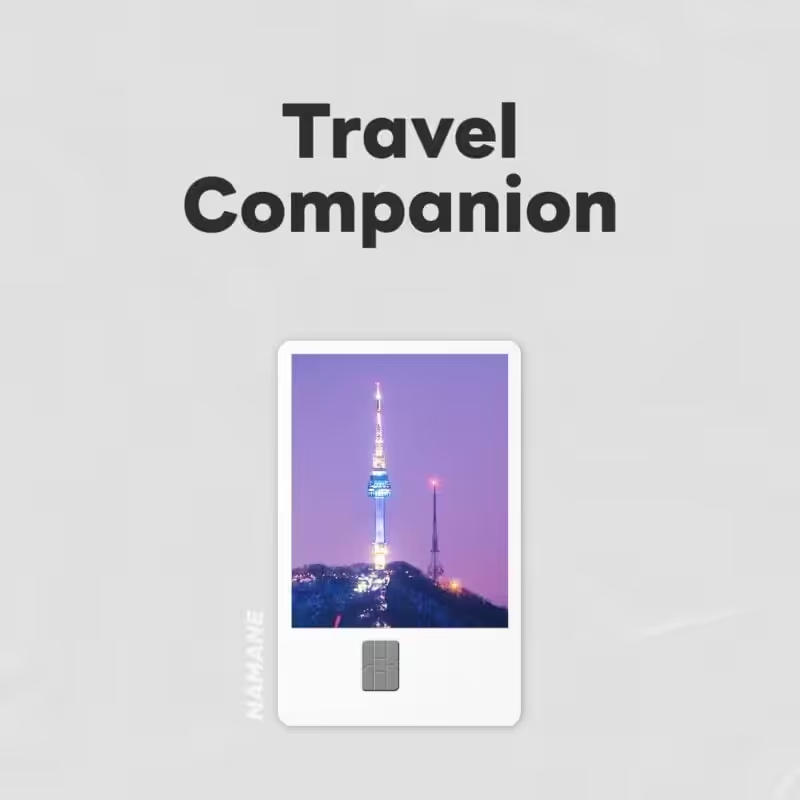
1️⃣ The NAMANE card can be designed with your favorite pictures.
2️⃣ The NAMANE card can be used not only for transportation but also for payments anywhere offline.
3️⃣ You can also keep it as a souvenir to remember the Korea travel.
💫 Convenient Features of the NAMANECard
- The NAMANE Card can be used as a transportation card and also as a general debit card for dining and shopping, allowing you to conveniently enjoy two services with one card.
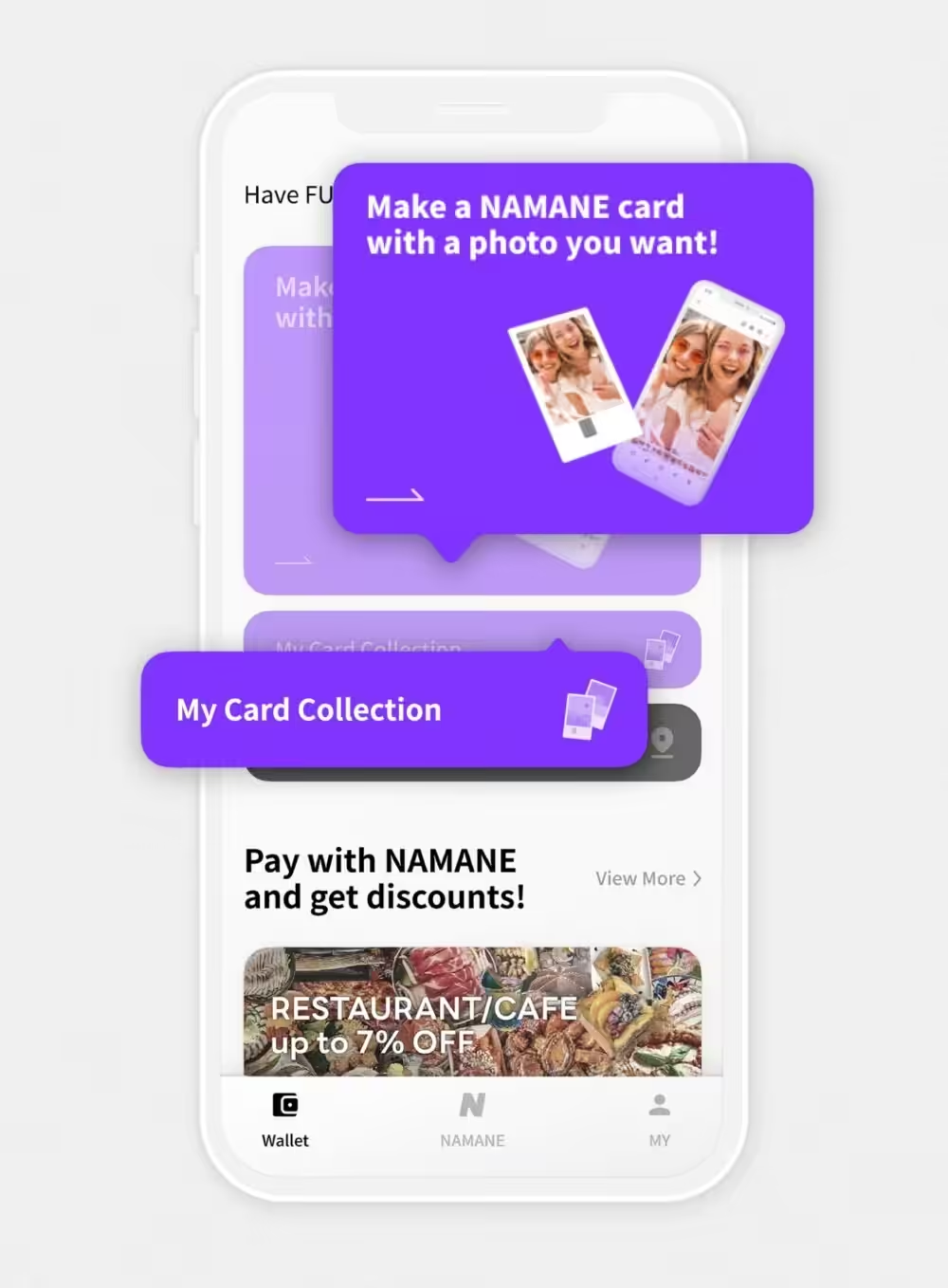
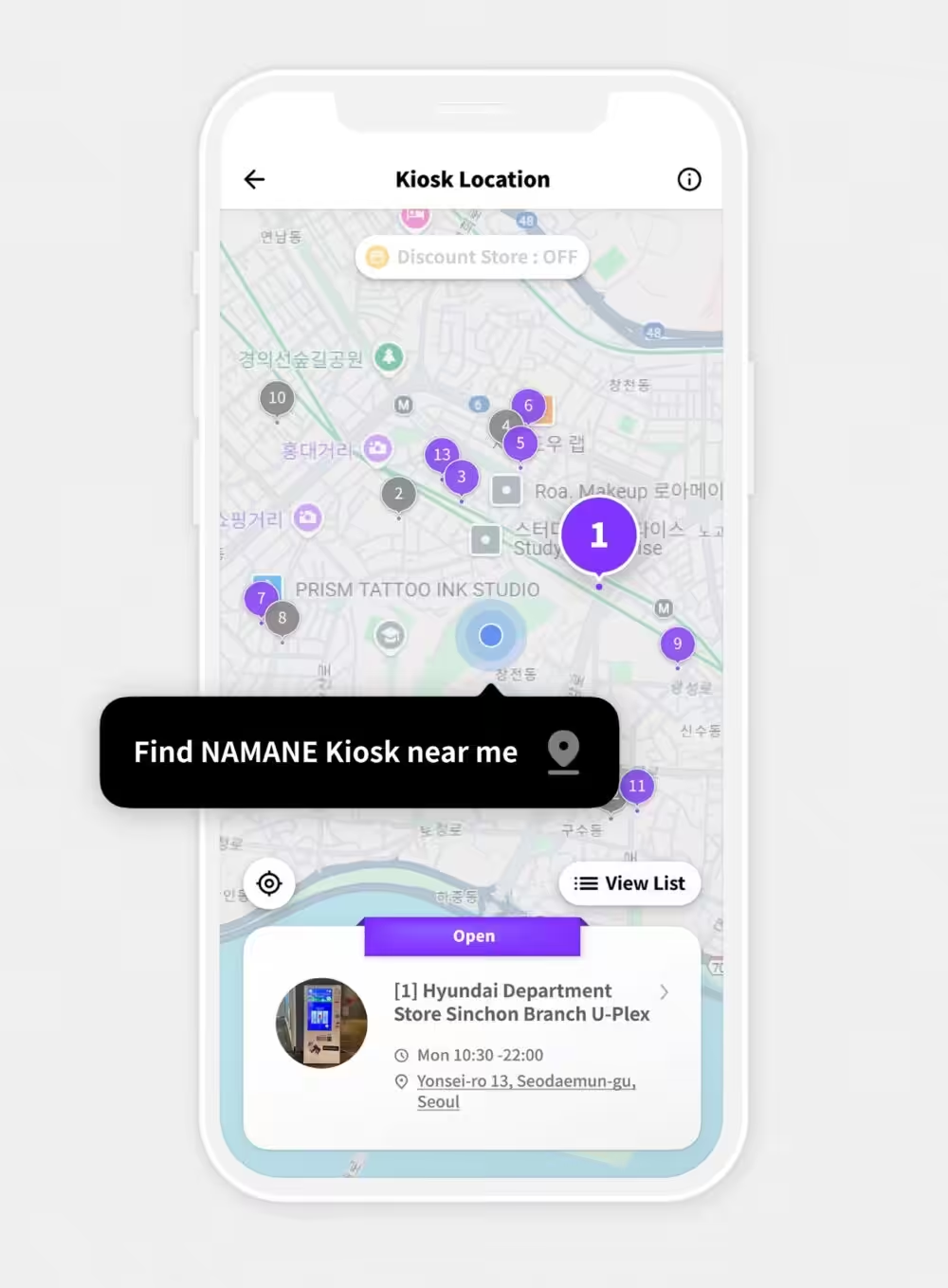
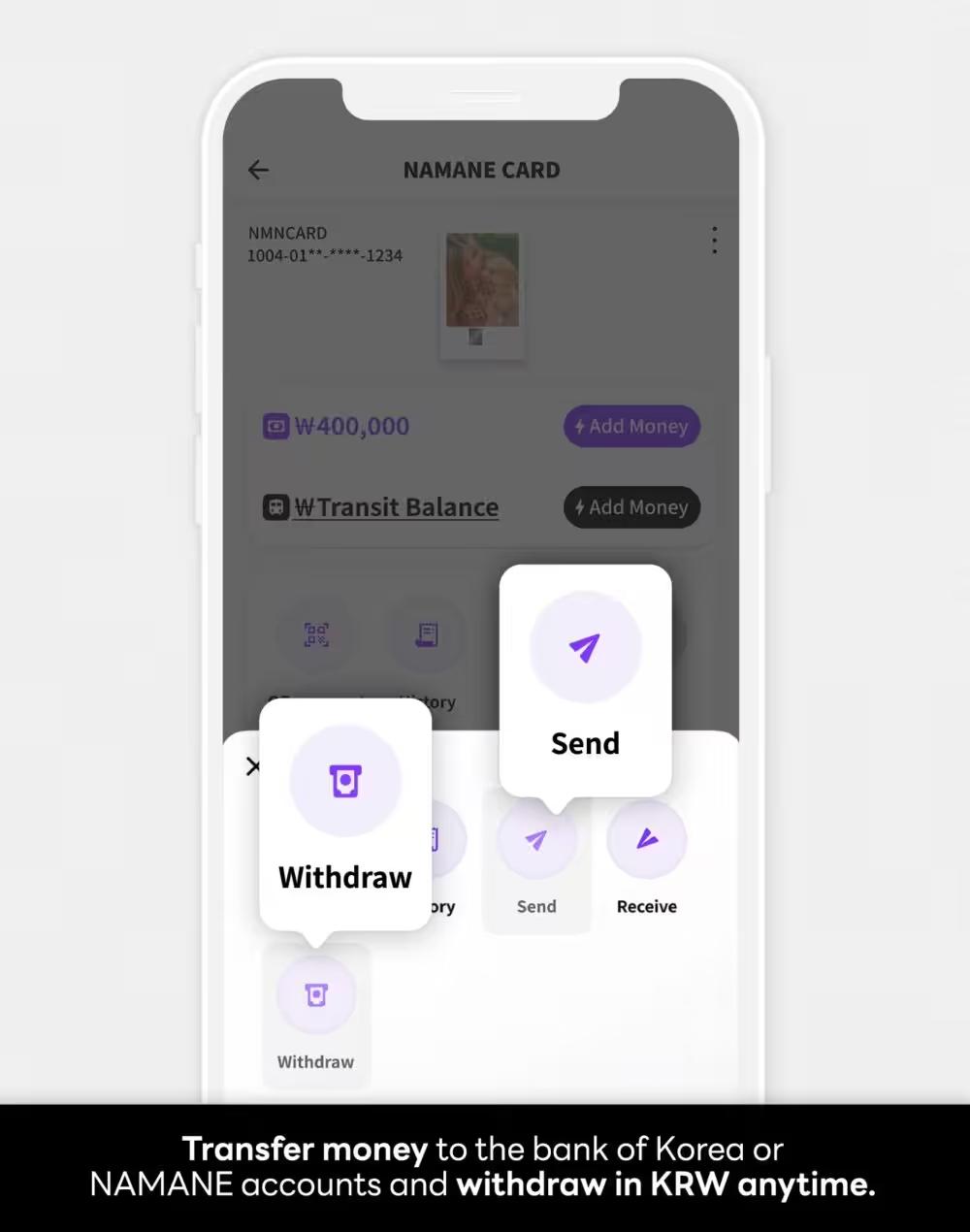
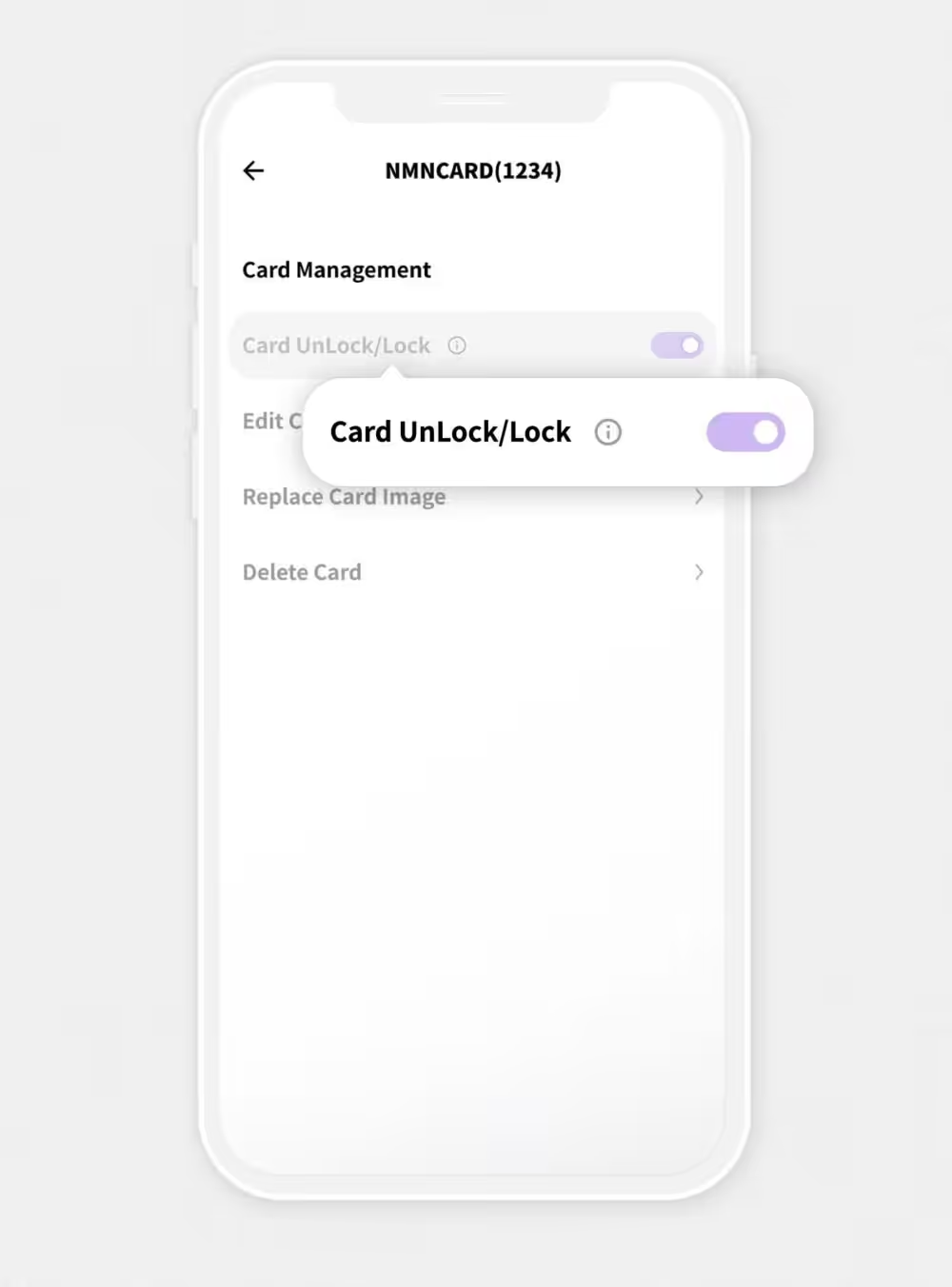
- By downloading the NAMANE app, you can easily check your card balance and transaction history.
🎉 Key Features
- A “prepaid card” that can be recharged without opening a bank account.
- Can be used for public transportation and payments at online/offline stores (with cashback rewards!).
- Can be issued without identity verification, such as passport scanning.
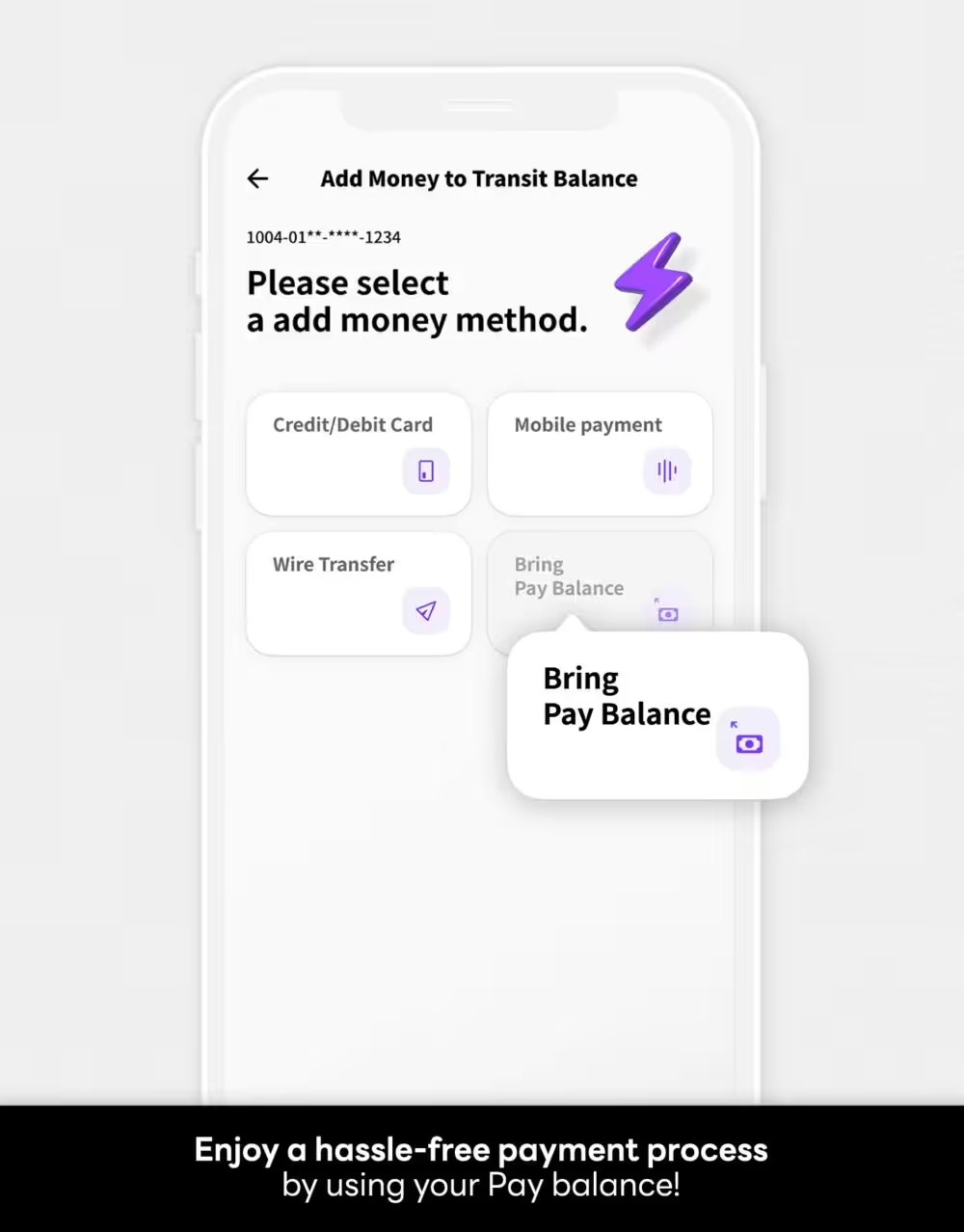
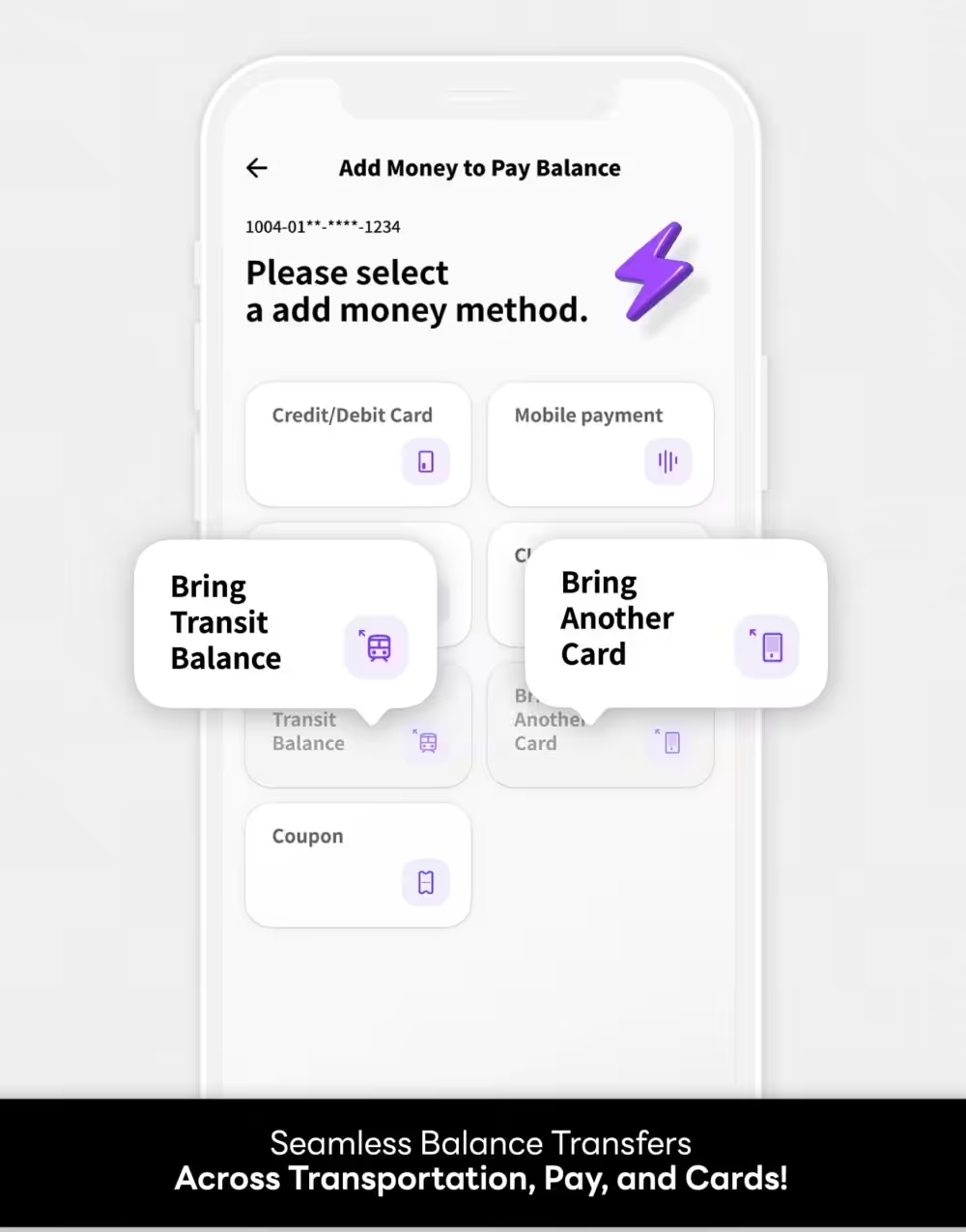
- Recharge and check balance easily through the “NAMANE” app.

Reviews
There are no reviews yet.